

How to Customize Chatbot Branding for Maximum Impact
Choosing the right voice for your chatbot is the first move toward creating truly authentic brand interactions online. For marketing managers leading small to medium-sized e-commerce brands, understanding your unique identity means much more than picking colors and logos. Effective brand management always begins with a clear assessment of core values and personality, guiding every customization decision. Discover how a thoughtful brand identity assessment forms the foundation for powerful, consistent customer engagement through customizable chatbot branding.
Table of Contents
- Step 1: Assess Your Brand Identity Needs
- Step 2: Access The Chatpirate Branding Settings
- Step 3: Upload And Apply Visual Brand Assets
- Step 4: Configure Chatbot Tone And Messaging Style
- Step 5: Preview And Verify Your Branding Changes
- Step 6: Deploy Your Customized Chatbot Live
Quick Summary
| Key Point | Explanation |
|---|---|
| 1. Assess Brand Identity Needs | Conduct an internal review to understand your brand’s core values and unique identity for effective chatbot customization. |
| 2. Access ChatPirate Branding Settings | Navigate to the branding customization interface to modify visual elements and interaction styles, aligning them with your brand. |
| 3. Upload Visual Brand Assets | Gather high-quality digital files for logos and color schemes to ensure consistency in your chatbot’s visual representation. |
| 4. Configure Chatbot Tone and Messaging | Define the communication style of your chatbot to align with your brand voice, focusing on warmth and engagement. |
| 5. Preview and Verify Changes | Thoroughly test the chatbot’s functionality and brand alignment across devices to ensure a seamless user experience before deployment. |
Step 1: Assess your brand identity needs
Customizing your chatbot branding begins with a comprehensive understanding of your brand’s unique identity and core values. This foundational assessment helps ensure that your AI support interface authentically represents your company’s personality and strategic objectives.
To effectively assess your brand identity needs, start by conducting a thorough internal review that goes beyond surface level visuals. Systematic brand research involves collecting perspectives from multiple organizational stakeholders including marketing, customer support, and leadership teams. Your goal is to uncover nuanced insights about how your brand is perceived both internally and externally. Consider key questions: What emotions do you want customers to experience? What core values define your company culture? How do you want your communication style to feel unique?
Analyze your existing brand guidelines and communication materials to identify consistent visual and tonal elements. Look for patterns in color schemes, language tone, imagery, and messaging that can be translated into your chatbot’s design and interaction style. Emerging AI technologies now enable sophisticated customization that can maintain brand consistency while delivering dynamic, personalized customer experiences.
Pro Tip: Conduct a comprehensive brand perception survey with both internal team members and external customers to gather holistic insights about your brand identity and how it should be represented in your AI interactions.
Here’s a summary of key elements to examine when assessing brand identity for chatbot customization:
| Assessment Area | What to Examine | Impact on Chatbot Design |
|---|---|---|
| Brand Core Values | Mission, vision, culture | Shapes chatbot’s personality and messaging |
| Visual Consistency | Color, logo, typography | Influences appearance and user recognition |
| Communication Style | Tone, language, formality | Determines response style and engagement level |
| Customer Emotions | Desired user feelings | Guides emotional warmth and user experience |
Step 2: Access the ChatPirate branding settings
Once you have assessed your brand identity, the next crucial step is accessing ChatPirate’s branding customization interface to bring your vision to life. Understanding how to navigate these settings will empower you to transform your chatbot’s appearance and interaction style to perfectly match your brand personality.
To begin, log into your ChatPirate administrative dashboard and locate the chatbot configuration module. Most administrators will find the branding settings under a dedicated customization panel that allows comprehensive visual and functional adjustments. Here, you can modify key design elements including color palettes, font styles, logo placement, and interaction tone that will make your chatbot feel like an authentic extension of your brand.
As you explore the branding settings, pay close attention to the visual hierarchy and interactive elements. Some settings might require advanced configuration, particularly if you want deep customization beyond standard templates. Drupal project management techniques can provide additional flexibility for organizations seeking more nuanced branding controls. Remember that your goal is creating a chatbot experience that feels seamless and consistent with your existing digital brand ecosystem.
Pro Tip: Take screenshots of your current branding settings before making modifications so you can easily revert changes if needed and track your customization progression.
Step 3: Upload and apply visual brand assets
With your branding settings configured, the next critical step involves strategically uploading and applying your visual brand assets to create a cohesive and professional chatbot experience. This process transforms your brand guidelines into a tangible digital interface that communicates your unique identity.
Start by gathering high quality digital files for your logo, color palette, and preferred typography. Brand visual consistency requires meticulous attention to detail. Upload your logo in multiple file formats including PNG and SVG to ensure crisp rendering across different screen sizes and resolutions. When selecting color values, use exact hex codes from your brand guidelines to maintain precise chromatic alignment. Pay special attention to how these visual elements scale and adapt within the chatbot interface to preserve legibility and visual impact.

Most advanced AI platforms like integrated design tools now offer sophisticated asset management systems that allow granular customization. Experiment with different logo placements, sizing options, and interaction states to see how your brand assets perform in various user engagement scenarios. Verify that your uploaded assets maintain their visual integrity by previewing the chatbot across multiple devices and screen configurations.
Pro Tip: Always keep original source files of your brand assets in a separate backup folder so you can quickly replace or update them if needed during the customization process.
Step 4: Configure chatbot tone and messaging style
With your visual assets in place, the next crucial step involves fine tuning your chatbot’s communication personality to create a genuine and engaging user experience. Your goal is to develop a conversational style that sounds authentically like your brand while remaining approachable and helpful.
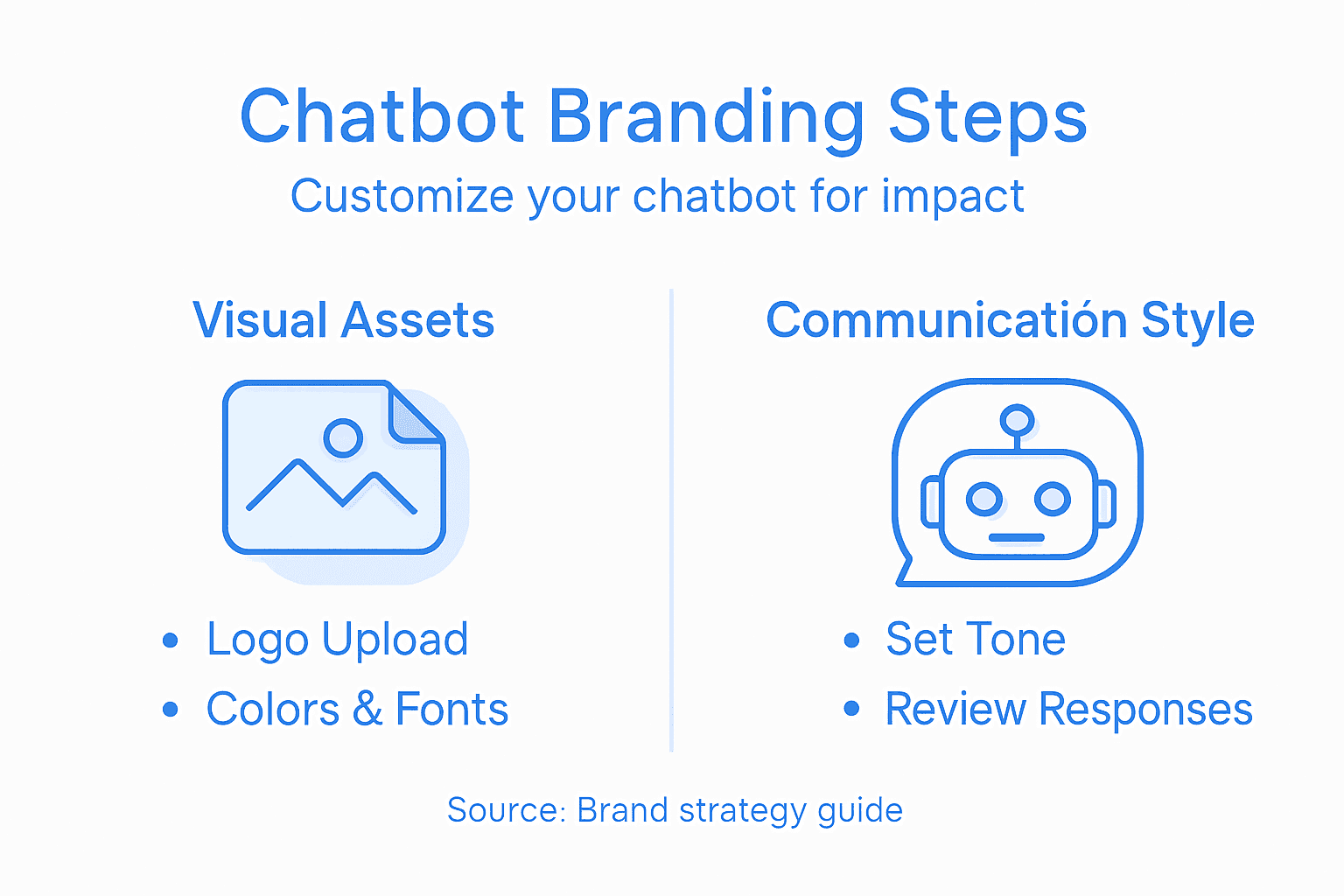
Begin by defining the core communication attributes that represent your brand personality. Chatbot personality customization requires careful consideration of factors like formality level, emotional warmth, and communication complexity. Consider whether your brand voice should feel professional and direct, friendly and conversational, or somewhere in between. Map out specific language guidelines that capture your unique tone such as preferred sentence structures, acceptable humor levels, and terminology that resonates with your target audience.
Advanced AI platforms now offer sophisticated tools for engineering precise communication styles. Messaging style engineering involves creating detailed prompt instructions that guide the chatbot’s responses. Test different communication approaches by simulating various customer interaction scenarios and reviewing how well the chatbot maintains consistent brand messaging. Pay attention to nuanced elements like emoji usage, technical language complexity, and emotional responsiveness that can significantly impact user perception.
Pro Tip: Create a comprehensive brand voice document that includes specific communication dos and donts to maintain consistent chatbot messaging across all interaction types.
Step 5: Preview and verify your branding changes
With your chatbot customization nearly complete, the critical final phase involves comprehensive testing and verification to ensure your branding changes deliver the intended user experience. This step transforms your design concepts into a fully functional and authentic representation of your brand.
Initiate a thorough review by using platform testing tools that allow administrators to simulate multiple conversation scenarios. Systematically evaluate every aspect of the chatbot interaction including visual design, tone consistency, response accuracy, and overall brand alignment. Test the chatbot across different devices and screen sizes to confirm that your branding elements render consistently and maintain their intended aesthetic and functional qualities.
Comprehensive stakeholder review becomes crucial during this verification phase. Invite team members from marketing, customer support, and product development to interact with the chatbot and provide detailed feedback. Pay special attention to nuanced communication elements like emotional responsiveness, language precision, and how well the chatbot embodies your brand personality across varied interaction types. Document any discrepancies or areas requiring refinement to ensure a polished final product.
Pro Tip: Create a structured feedback template with specific evaluation criteria to make your review process more systematic and actionable.
Step 6: Deploy your customized chatbot live
With all preparations complete, you are now ready to launch your carefully crafted chatbot into its operational environment. This final deployment phase transforms your strategic design and testing efforts into a live customer engagement tool that represents your brand authentically.
Begin by selecting an appropriate deployment infrastructure strategy that ensures robust performance and data security. Consider factors like scalability, response time, and integration capabilities with your existing digital platforms. Most organizations opt for cloud based solutions that provide flexible scaling and high availability. Verify that your chosen deployment method supports seamless integration with your website, customer support systems, and communication channels.
Chatbot publishing workflows typically involve staging environments where final configurations can be validated before full production release. Monitor initial interactions closely, tracking user engagement metrics and gathering real world performance data. Be prepared to make rapid adjustments based on actual user experiences, ensuring your chatbot continues to meet both technical performance standards and user experience expectations.
Pro Tip: Create a monitoring dashboard that tracks key performance indicators like response accuracy, user satisfaction scores, and conversation completion rates to continuously optimize your chatbot’s performance.
The table below highlights the differences between basic and advanced chatbot deployment strategies:
| Deployment Strategy | Scalability | Integration Options | Typical Use Case |
|---|---|---|---|
| Basic Platform Hosting | Limited scaling | Pre-set website only | Small businesses, low-traffic |
| Cloud Infrastructure | Flexible, high | Multiple systems | Growing brands, high engagement |
| Staging/Testing First | Moderate scaling | Secure beta environment | Testing before public launch |
Unlock Your Brand’s True Potential with Customized AI Chatbots
Struggling to translate your unique brand identity into your chatbot’s look and tone can weaken your customer connection and brand recall. This article highlights common challenges like ensuring visual consistency, defining a precise communication style, and creating an engaging user experience that feels authentically yours. At ChatPirate.io, we understand how vital a perfectly branded chatbot is for maximum impact.
Elevate your customer support with AI-powered chatbots that you can fully customize to reflect your brand’s core values and tone. Our platform offers easy drag-and-drop branding settings that require no coding skills, seamless integration with popular website builders, and real-time analytics to help you continuously optimize your bot’s presence. Discover how to quickly deploy chatbots that offer 24/7 instant and accurate responses matching your brand voice at ChatPirate.io. Take the first step now and start building a chatbot that truly embodies your business by visiting the Chatbot Configuration Module and exploring our deployment infrastructure strategies to ensure your chatbot’s success.
Frequently Asked Questions
How can I assess my brand identity needs for chatbot customization?
Start by conducting an internal review that includes perspectives from your marketing, customer support, and leadership teams. Identify your core values, desired customer emotions, and existing communication styles to ensure your chatbot authentically represents your brand.
What are the key visual elements to focus on when customizing my chatbot’s branding?
Examine your brand’s color schemes, logo, typography, and overall visual consistency. Upload your logo in multiple formats and use exact hex codes for colors to maintain your brand’s visual integrity across all interactions.
How can I configure the communication tone of my chatbot?
Define the core attributes that reflect your brand’s personality, such as formality level and emotional warmth. Develop specific language guidelines that capture your unique tone, ensuring a consistent and engaging user experience by testing various communication styles in scenarios.
What steps should I follow to verify my chatbot’s branding changes before deployment?
Conduct a thorough review using testing tools to evaluate visual design, tone, and overall brand alignment. Involve team members to provide feedback during this stage to identify any discrepancies, ensuring your chatbot is polished and ready for users.
How do I monitor my chatbot’s performance after deployment?
After launching your chatbot, create a monitoring dashboard to track key performance indicators like response accuracy and user satisfaction. Regularly review these metrics to make adjustments that enhance user experience and engagement over time.